
Short Answer
For ceramic dinnerware product photography, request clean individual views, side profiles, scale images, exact set contents, glaze closeups, packaging photos, and a simple use scene. Keep defect and acceptance references in a separate internal folder. Ask the supplier to identify the photographed sample, match the approved product, and deliver original files plus channel-ready copies before you approve the image package.
I like a beautiful table picture. But when I help a buyer review a launch, I also want the photograph that answers a less glamorous question: how deep is that bowl?
An overhead image can hide a steep rim or a tall foot. Good tableware product images help customers imagine the product and understand what they will receive.
Ceramic Dinnerware Product Photography Starts With the Sample
Start with a sample record. Write down the SKU, glaze name, sample revision, and whether the piece is an approved sample or a production piece. Match its shape, decoration, and finish to the product you plan to sell.
A development sample can help prepare a page layout. It should not quietly become the final sales image after the bowl shape changes. If the handle, rim, base mark, or glaze changes, review the affected photos again.
From a factory point of view, this matters because ceramics change during firing. Shrinkage affects dimensions, while glaze thickness and firing conditions influence the final appearance. A digitally recolored bowl does not show how another glaze actually behaves on its rim.
My judgment standard is simple: the supplier should be able to point from each photo back to a named physical sample. “It is almost the same model” is not enough for a final listing.
For a varied glaze, choose a representative piece inside the agreed range. Do not select an unusually dramatic sample just because it photographs well. Keep the physical range samples available for the next review.
At the Shoot: Show Shape Before Styling
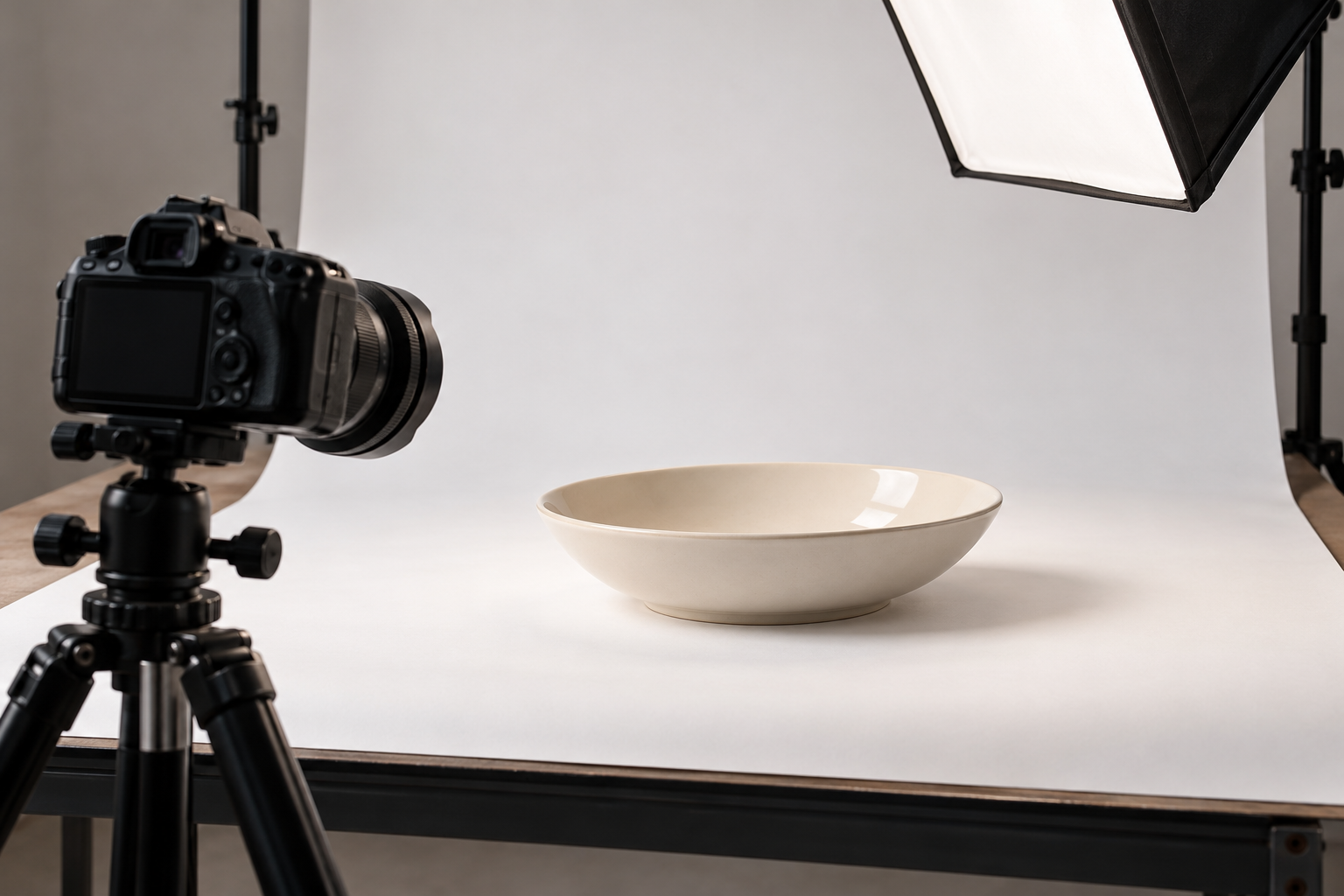
I would shoot the clean product views first, while the surface is empty and the setup is easy to repeat. Ask for an overhead view, a three-quarter view, a low side view, and an underside view where the base matters.
Each view has a job. The top view shows the eating area and rim width. The side view shows depth and profile. The underside shows the foot ring and any final base mark. For mugs, add a clear handle view; a front view alone can hide a tight opening.
Use soft, controlled light and keep the setup consistent across related items. A glossy glaze needs enough reflection to look glossy, but a large white reflection should not cover the detail you are trying to show. A matte surface should not be edited until it looks polished.
Ask for one reference frame with a suitable neutral or color target under the same light, then remove the target for the customer-facing shots. This supports consistent processing; it does not make every customer’s screen match the sample.
Adobe’s guidance on soft-proofing images explains how output profiles can help preview print differences. That is useful when the same photo goes into a printed catalog. It is still sensible to compare the finished proof with the real ceramic.
The Shot List I Would Send With the Samples
Use this shot list as a starting point. Combine views only when they remain clear; photograph each actual shape and color.
| Asset to request | Question it answers | How I would accept it |
|---|---|---|
| Clean individual product views | What exactly am I buying? | Correct SKU and finish; complete rim and handle visible; no unrelated props |
| Side and underside views | How deep is it, and what supports it? | Natural perspective; foot ring and profile readable; final base mark if present |
| Scale or dimension view | Will it fit my table or shelf? | Measurements match the approved specification; reference object does not obscure the piece |
| Exact set photograph | What comes in this purchase? | Every included piece is countable; no extra cup, plate, or accessory |
| Glaze closeup | What does the surface look like? | Sharp detail, useful lighting, and no smoothing away of normal texture |
| Packaging sequence | What will arrive and how is it packed? | Current closed pack, open pack, and actual contents shown |
| Simple use scene | How might the product be used? | Realistic serving size; no implied use beyond the agreed care instructions |
| Internal variation and defect references | What should our team accept or investigate? | Identified samples, consistent lighting, context views, and clear internal-only status |
For scale, I prefer a measured diagram alongside a clean image. A hand or spoon can suggest size, but neither establishes a dimension. Where measurements are overlaid, state the units and what was measured, such as outside diameter rather than usable bowl width.
For a filled bowl photo, agree whether the serving is a normal portion or a capacity demonstration. Do not let a generous food stylist’s portion become an accidental volume claim.
Capture the Whole Offer, Including the Box
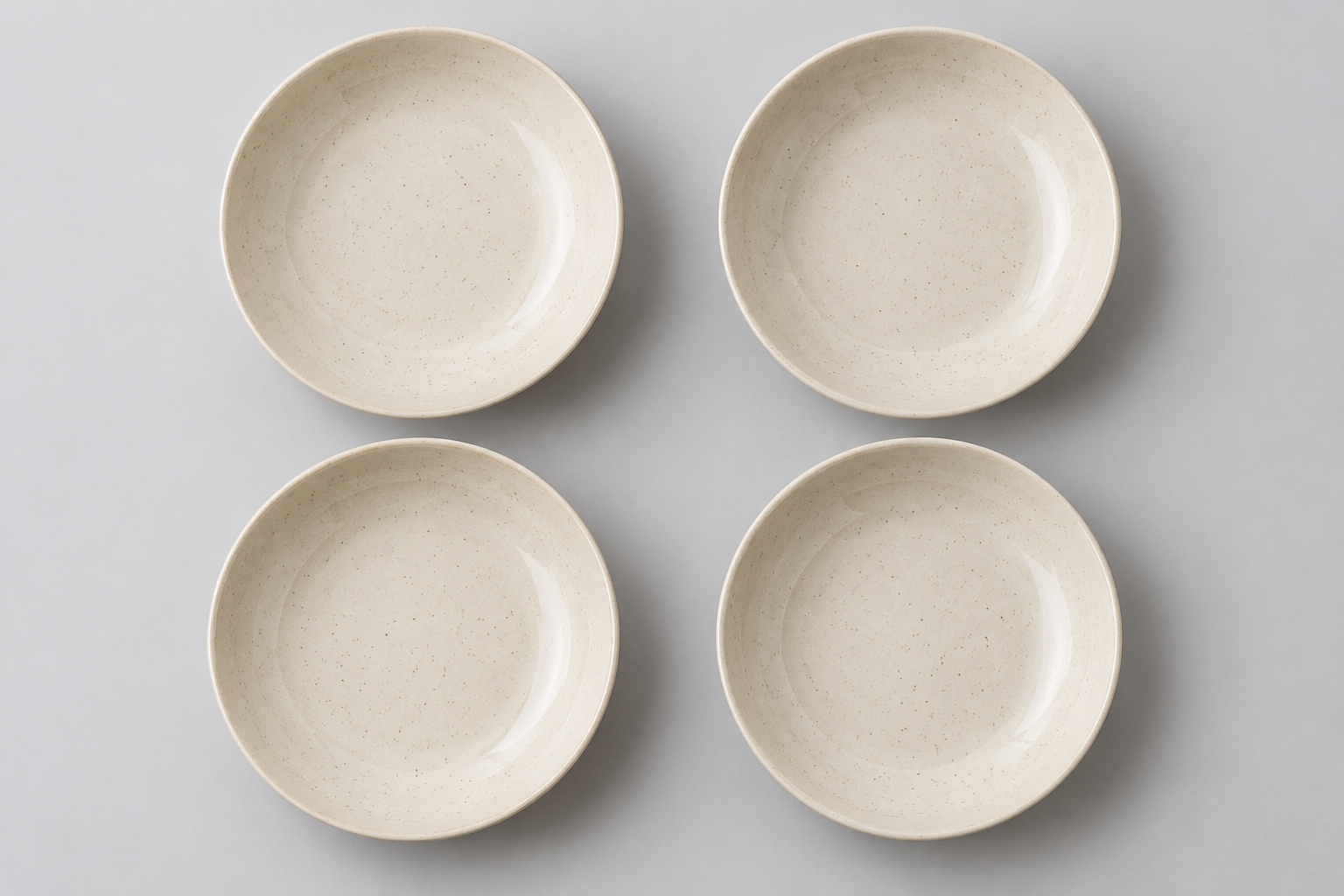
Imagine a brand launching a four-bowl set. This is a planning example, not a FENN customer story. The photographer makes a lovely place setting with one bowl, a dinner plate, and a mug. The picture works as a collection scene, but it leaves the selling unit unclear.
I would add a plain photograph of all four bowls, with enough separation to count them. Then I would photograph the closed retail pack and the opened pack with its actual protective parts. A packaging sample from an earlier revision should be identified as a mockup until the final pack is ready.
Keep the export master carton record separate unless it helps the trade buyer. Your retailer may need carton details; the shopper usually needs to understand the retail package and contents.
Before export, check the destination channel’s current rules. Google Merchant Center image requirements distinguish primary images from extra views and call for images that represent the correct product variant. Treat that as one channel’s guidance, not a universal rule for every retailer.
The professional supplier response is a file list mapped to the selling units. A folder called “all bowls” with mixed colors and quantities leaves too much guessing to your content team.
Keep Glaze Detail and Quality References Separate
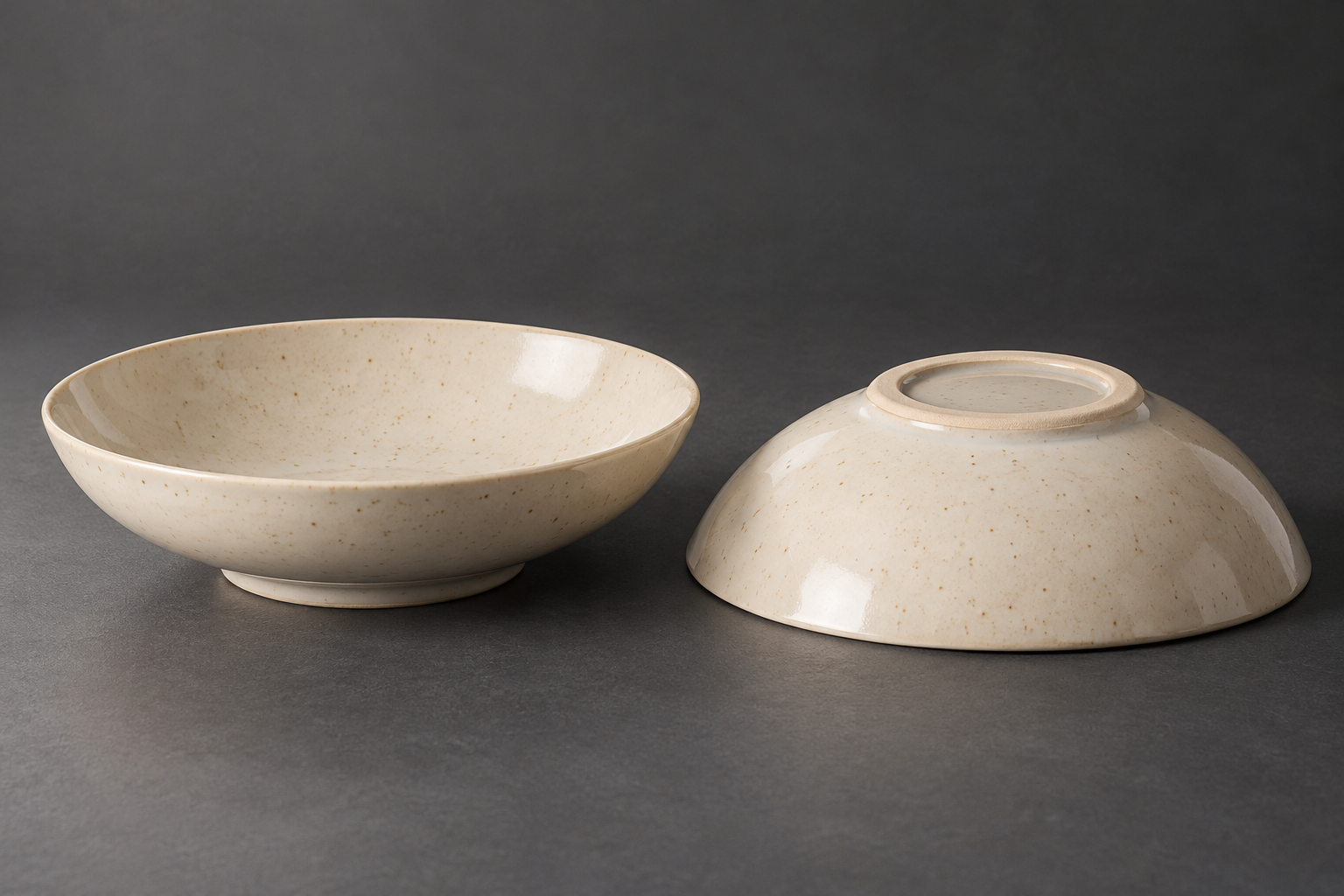
Closeups are useful, but they need context. Pair the detail with a whole-piece view so the viewer can locate the area. A tiny speck filling a screen may look much more serious than it does at normal viewing distance.
For customer-facing detail shots, show the real surface without changing its character. Removing background dust is different from removing an actual glaze mark. Agree that boundary with the photographer before retouching starts.
For internal acceptance references, retain the original files and identify the sample, location, and review decision. Include a scale when size matters. If the lighting or angle changes between examples, the pictures may show a photography difference rather than a ceramic difference.
Accepted variation and rejected defects should be clearly separated. A set of attractive closeups does not establish a defect limit, and a photo cannot prove food-contact or dishwasher performance. Keep those decisions with the relevant physical review and supporting evidence.
I would also ask for a short plain video when depth or reflections remain difficult to understand. It can support the still images, but it does not replace a missing side profile.
Finish With a File Handoff Someone Else Can Use
Ask for full-resolution originals or agreed master files, plus the finished exports. Set the file type, crop, background, and pixel size with the receiving retailer or web team before the shoot. Keep enough space around the product for alternate crops.
A useful filename might be `B04-ivory-side-approved-r02.jpg`. Add a small asset register with SKU, view, sample revision, file name, and approval status. Keep previous versions in an archive rather than mixing them with approved files.
Record agreed permission to use the photographs across your intended channels, including retailer distribution and any editing. Confirm this with whoever controls the images before handing them onward.
For accessibility, W3C guidance on informative images recommends text alternatives that communicate the image’s purpose. Describe the useful difference in each view. “Ivory pasta bowl viewed from the side, showing its shallow wall and raised rim” is more helpful than repeating the same keyword on every photo.
My final review is on the actual page layout. Check the thumbnail, full image, crop, and selected variant. A correct image in the wrong color listing is still a problem.
My Advice as a Manufacturer
Spend the first part of the photography budget on clear answers. Can the customer see the shape, understand the size, count the contents, and recognize the finish? Once those jobs are covered, styling has a stronger foundation.
I would rather receive a small, well-labeled package than thirty beautiful pictures with uncertain sample history. Ceramic dinnerware product photography works best when the factory, photographer, and listing team are describing the same physical product.
Questions Buyers Often Ask
How many dinnerware listing photos should I request?
Use the shot list to cover the customer’s questions, then check the channel’s limits. One image may answer two questions, but do not remove a useful side or set view merely to reach an arbitrary number.
Can the supplier recolor one photo for several glazes?
Use recolored images only as clearly identified development concepts. For final product representation, photograph the actual fired glaze. Color changes can also change pooling, speckling, opacity, and shine.
Should the main image include food or accessories?
Check the channel rules first. I prefer a clean product image for identifying the offer, with a separate styled scene where allowed. Make the purchased contents clear.
Can phone photos be good enough?
They can be useful when lighting, focus, perspective, and resolution are controlled. Review the delivered file at the intended display size. A compressed chat preview is not a reliable quality check.
Should defect photographs appear on the product page?
Keep rejected-defect records internal. A public variation image can explain an approved finish range, but it should be clearly described and represent products customers may actually receive.
Plan the Photos Alongside the Product
If you are preparing a launch, send FENN your SKU list, approved sample status, selling channels, and missing photo views. We can review which physical details the image brief needs to show before photography begins. You can also use the FENN Resources hub to explore related sampling and product-planning questions.